
Product
PointDeck
Planning poker for agile teams. No accounts, no setup.
Open a room, share the link, and everyone picks a card at the same time.
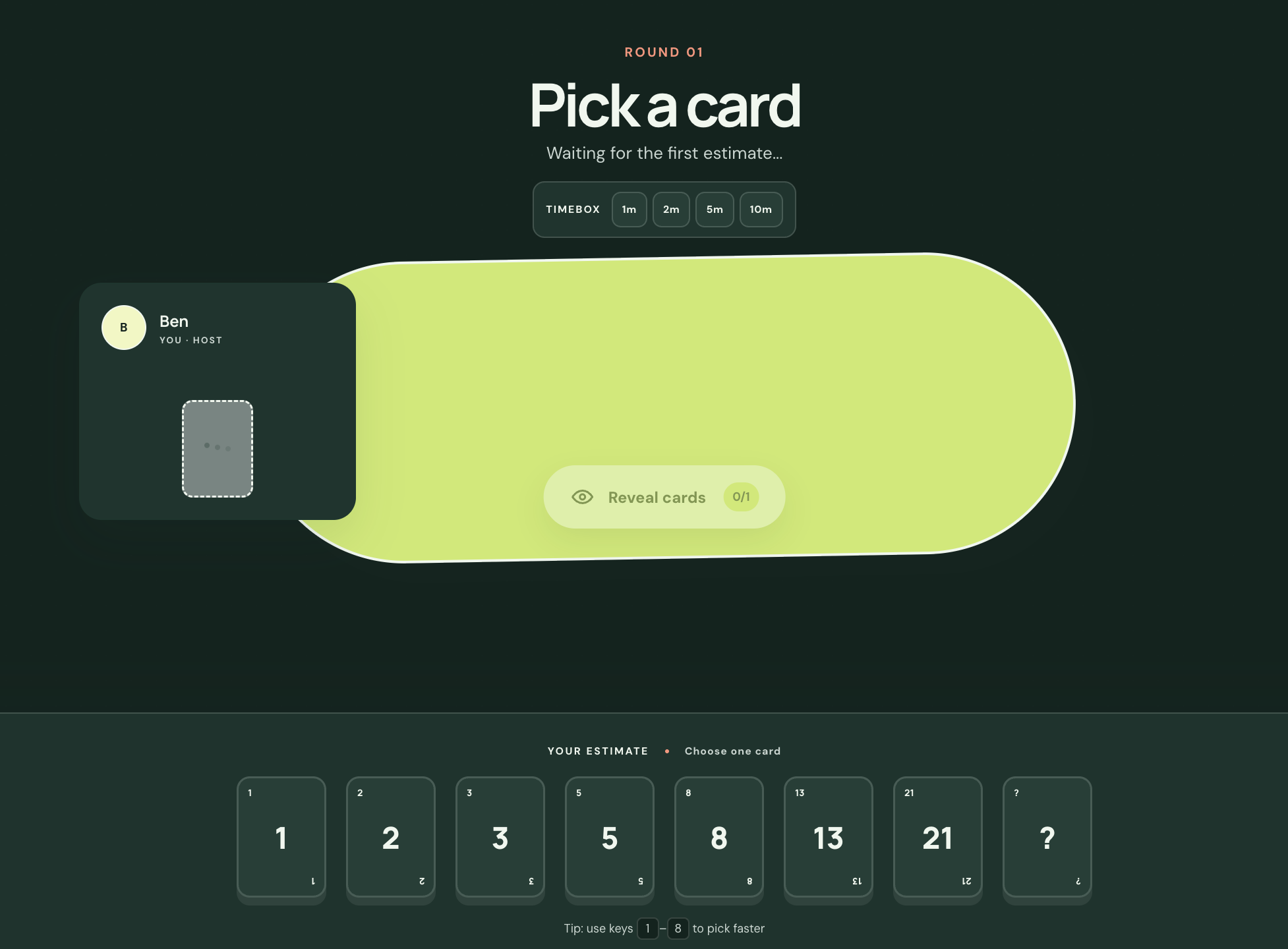
Pick a card 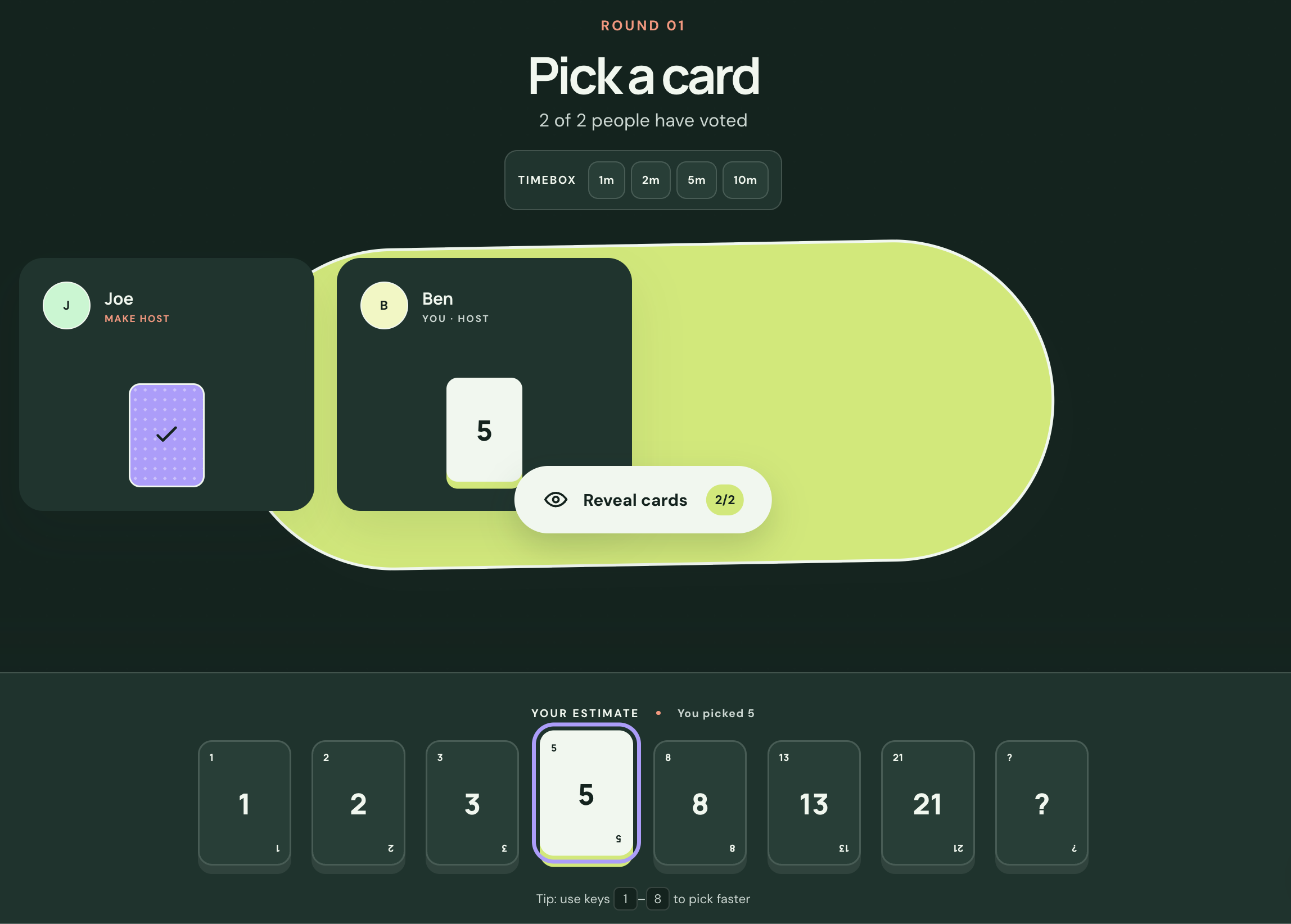
Everyone in 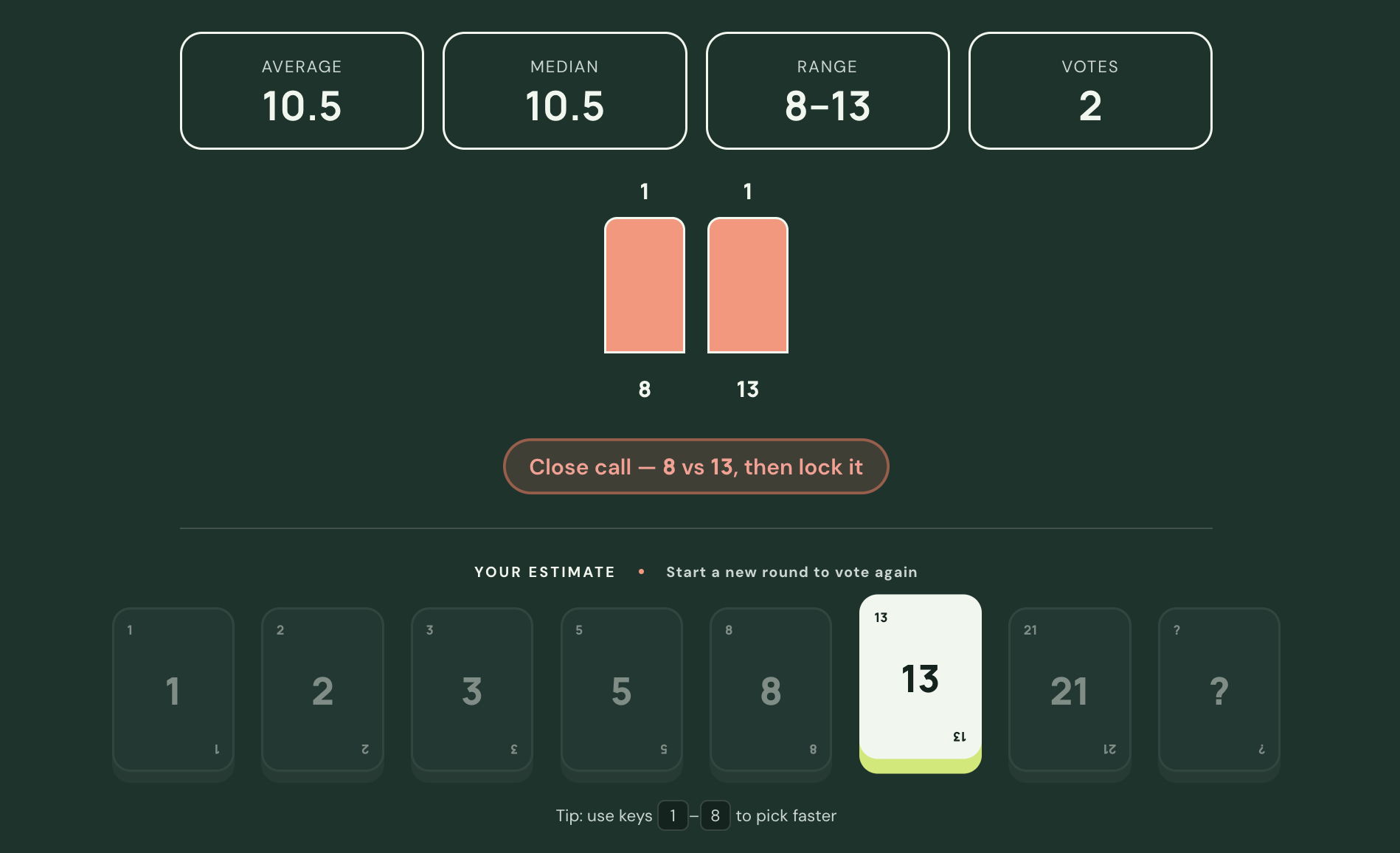
Reveal and compare
Who it is for
Agile delivery teams: scrum masters, facilitators and anyone who has to estimate a backlog with a group, whether remote or in the same room.
Group estimation has two familiar problems. The first number anyone says out loud pulls everyone else towards it, and the estimate usually ends up in a different tab from the ticket being discussed. On top of that, most tools want every team member to have an account before they can join a session.
How it works
PointDeck opens a room in one click. There is nothing to install and nobody has to sign up. The host shares a link and everyone else joins by typing a name. Cards stay face down until the host reveals the round, so nobody is influenced by what their colleagues picked. Only the host can reveal cards or start a new round.
If your backlog lives in Jira, GitHub Projects or Azure DevOps, you can connect it once and pull the issue you are discussing into the room, with its description and acceptance criteria. When the team settles on a number, PointDeck writes it back to the field on the ticket instead of leaving it in someone's notes.
What it does
One click to a room
Start a room and get a link. There is nothing to sign up for and nothing to install.
Join with a name
Everyone opens the link and types a name. A room holds up to fifty people.
The host reveals
Cards stay face down until the host reveals the round, so nobody is swayed by the first number they see.
Bring the ticket in
Connect Jira, GitHub Projects or Azure DevOps and pull the issue you are discussing into the room.
Write the estimate back
Choose the field your board uses for estimates, story points or otherwise, and the agreed number is saved to it.