
Product
Bridesmaid
A seating planner for weddings, galas, conferences, classrooms and exam halls.
Draw the room, drag people to their seats, and send guests a link that shows them where they are sitting.
Choose the event 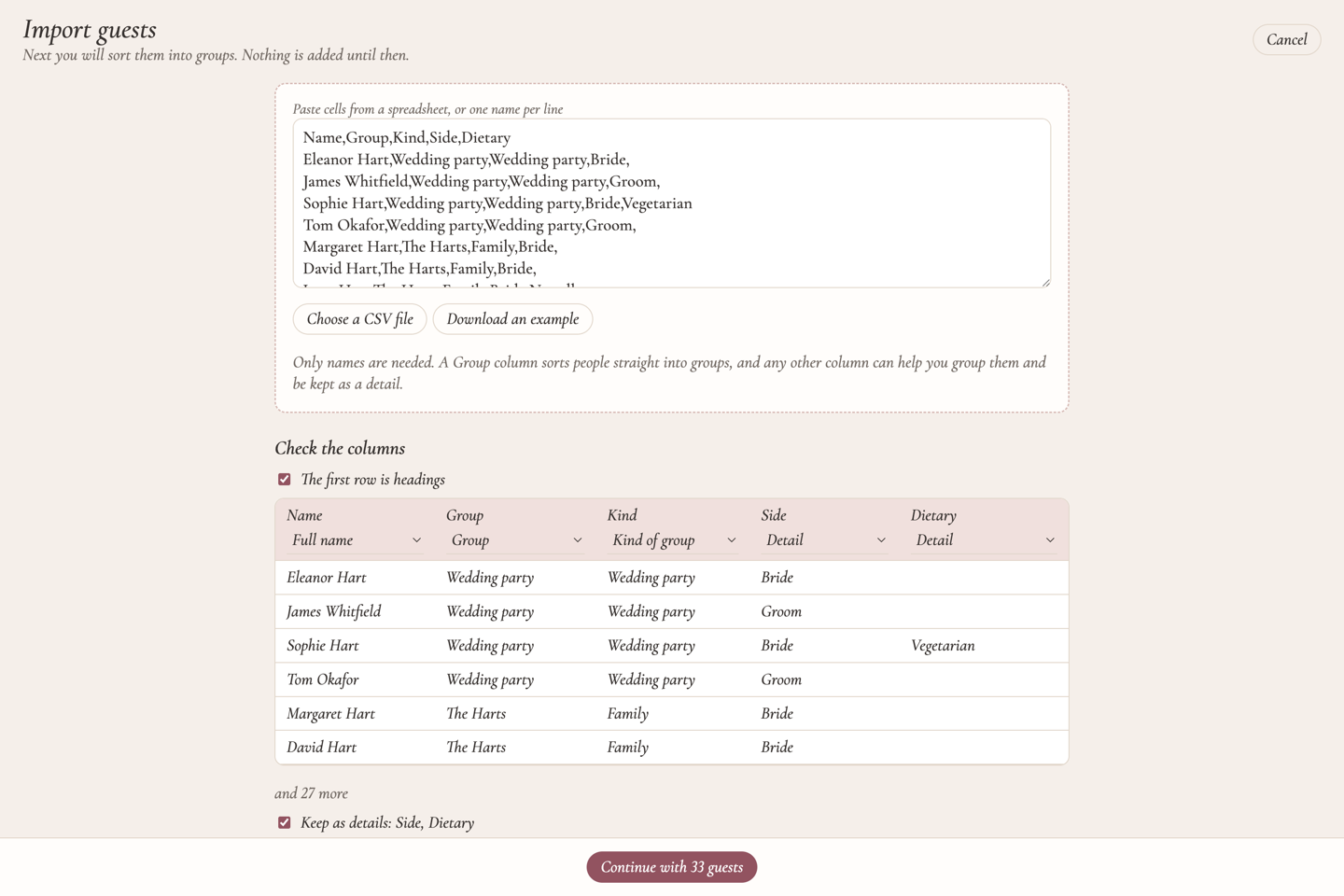
Import a list 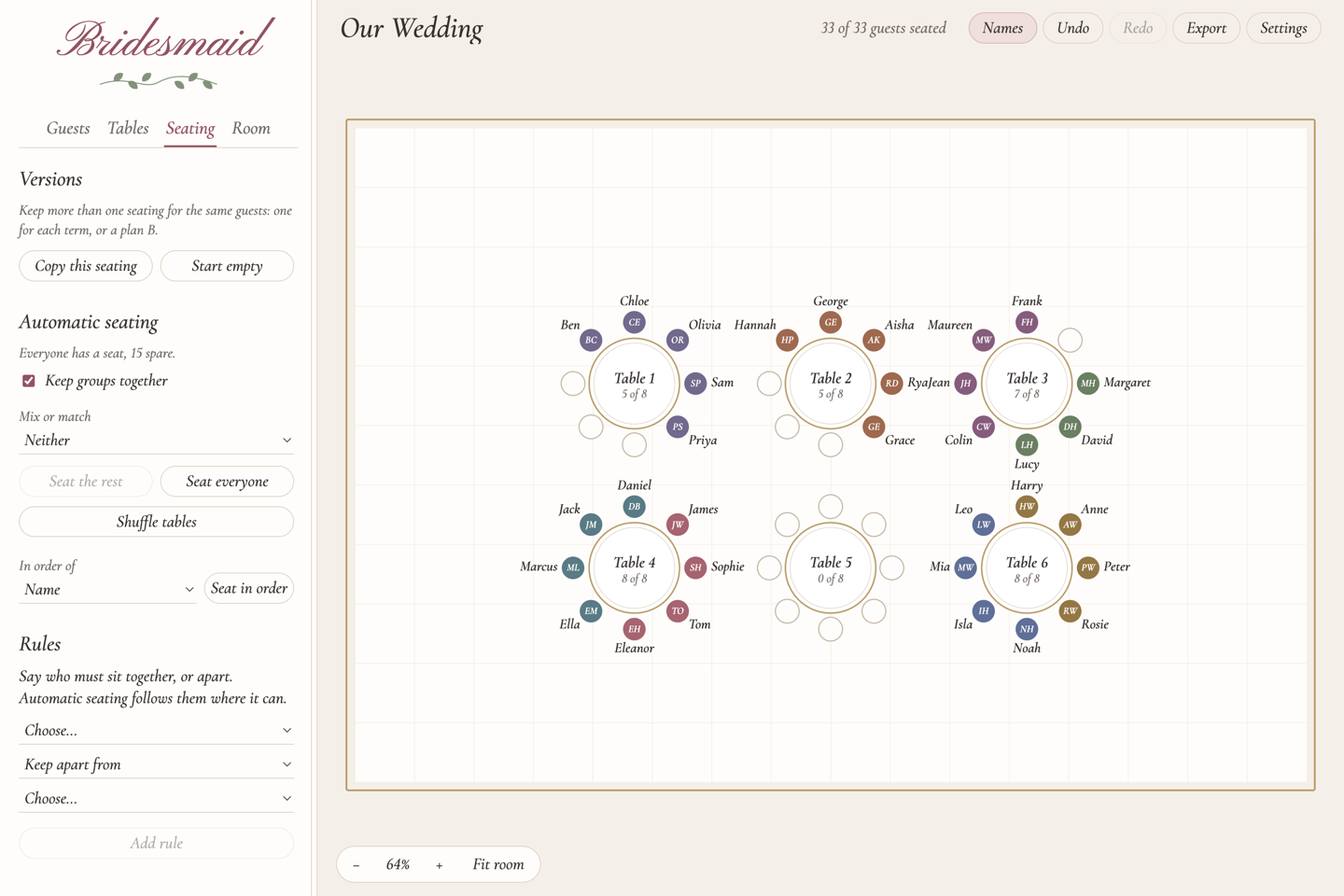
Seat everyone
Who it is for
Anyone who has to seat a room full of people: couples planning a wedding, event organisers running a gala or conference, teachers arranging a classroom, and exams officers laying out a hall.
Seating plans usually start as a spreadsheet and end as a pile of sticky notes. Couples and families have to stay together, some people have to be kept apart, and every late change means redrawing the whole thing. On the day, guests crowd round a single board to find their name.
How it works
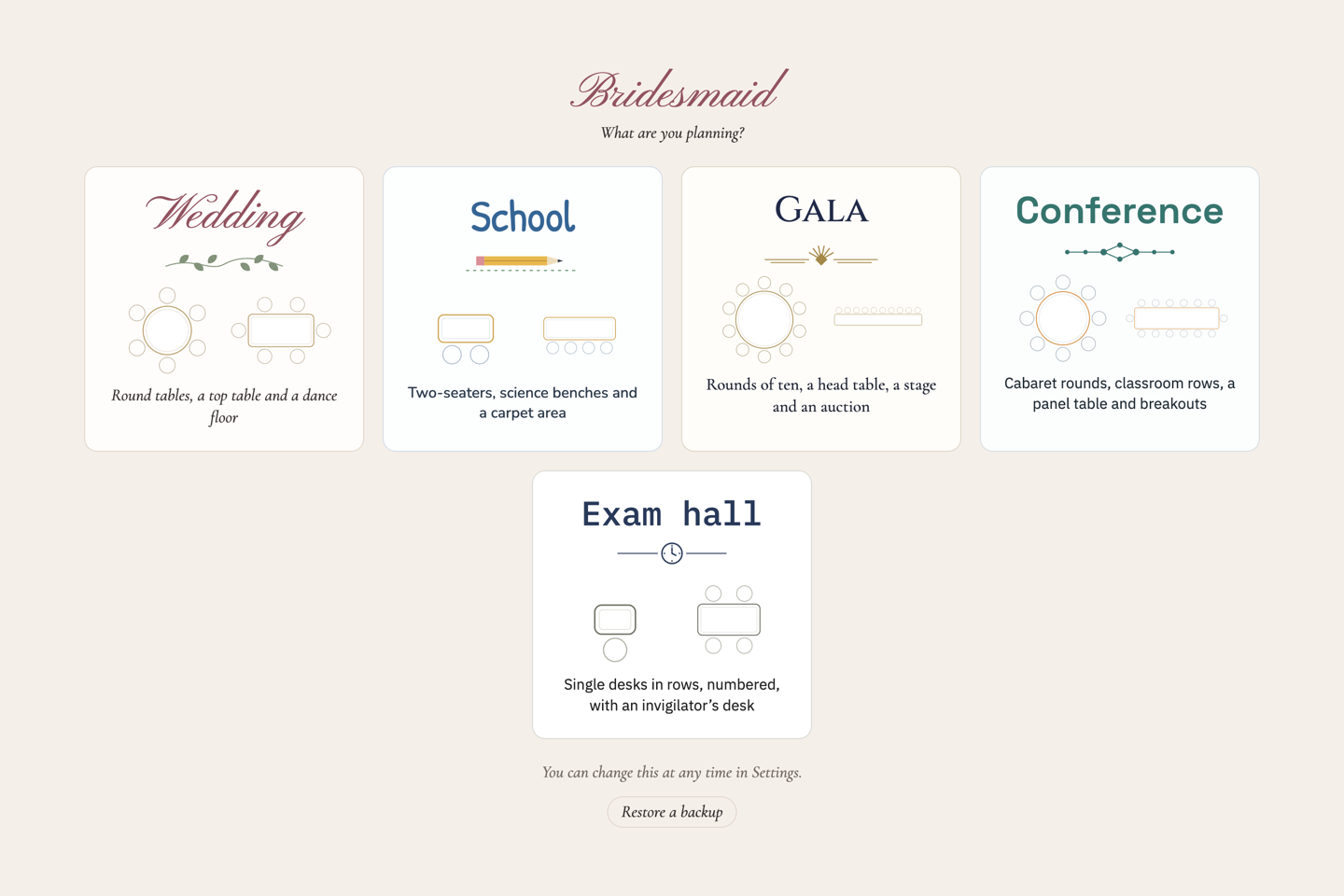
Bridesmaid starts by asking what the plan is for. A wedding gets round tables, a top table and a dance floor. A classroom gets two-seaters and a carpet area. An exam hall gets single desks in numbered rows with an invigilator's desk. You set the size of the room, place the tables, and then drag people, or whole groups of them, into their seats.
The guest list can be pasted straight from a spreadsheet or imported as a CSV. Only names are needed, but a Group column sorts people into groups for you, and details like dietary needs or access arrangements come along too. Rules say who must sit together or apart, and automatic seating follows them where it can. Seats you are happy with can be locked so nothing moves them.
When the plan is ready, print it table by table or save it as a PDF. You can also share a link or print a QR code: guests open it on their phone, type their name and see their seat marked on the plan. The link holds names and tables only, never anyone's details. Plans are kept in your browser and nothing is sent anywhere.
What it does
A layout for each kind of event
Weddings, galas, conferences, classrooms and exam halls each start with the tables and room features they need.
Bring your list
Paste names from a spreadsheet or import a CSV. Groups and details like dietary needs are picked up from the columns.
Drag whole groups
Name a couple, a family or a team once, then drag the whole group to a table together.
Together or apart
Set rules for who must share a table and who must not. Automatic seating follows them, and locked seats stay put.
Find your seat
Share a link or a printed QR code. Guests type their name and see their seat marked on the plan.
Stays on your computer
Plans are saved in your browser. A backup file holds every plan with all its details, so you can move them between machines.