
Product
Driftguard
Arcade tower defence that plays in the browser.
Hold the route against swarms of glowing sky jellies, or switch sides and lead the invasion.
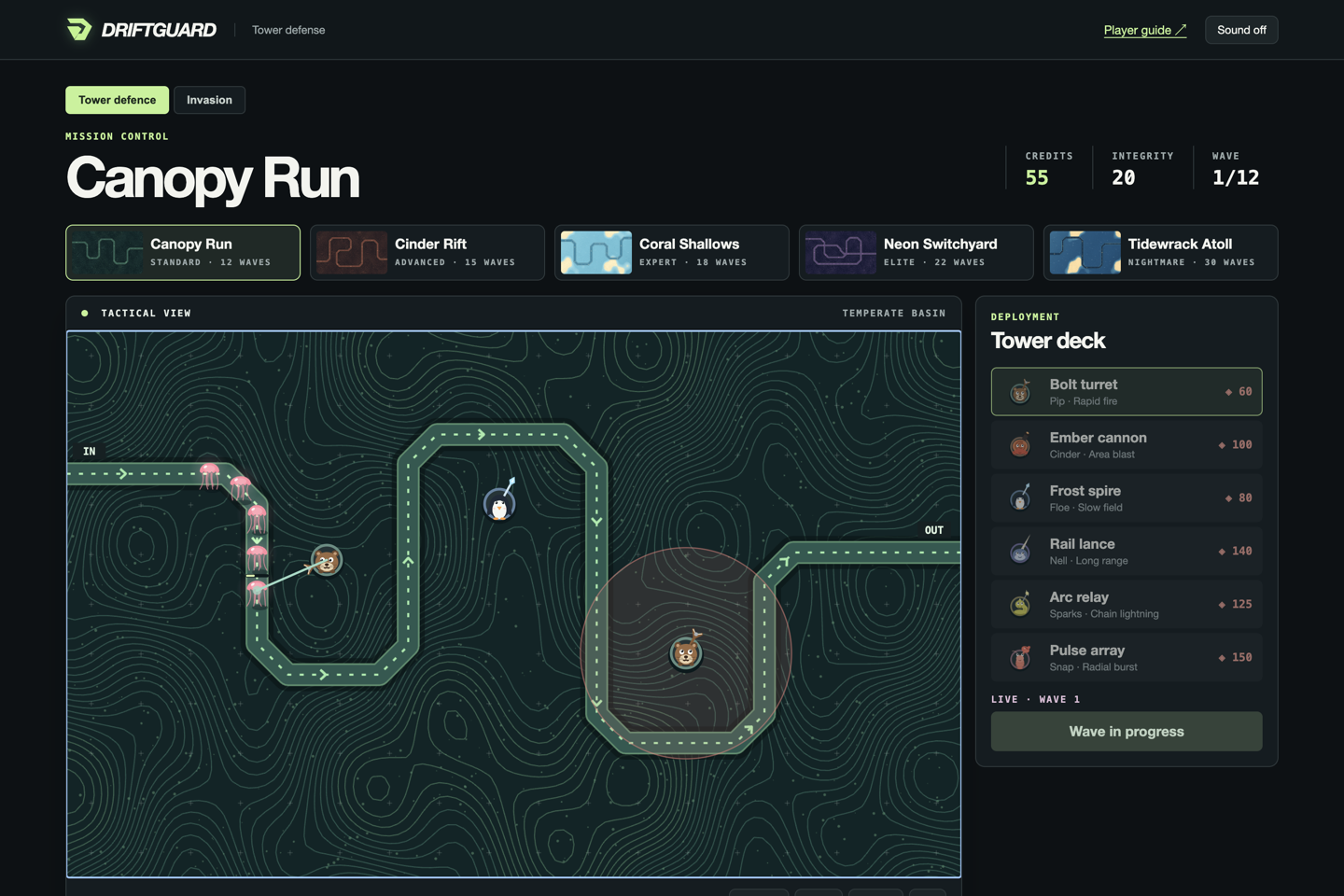
Canopy Run 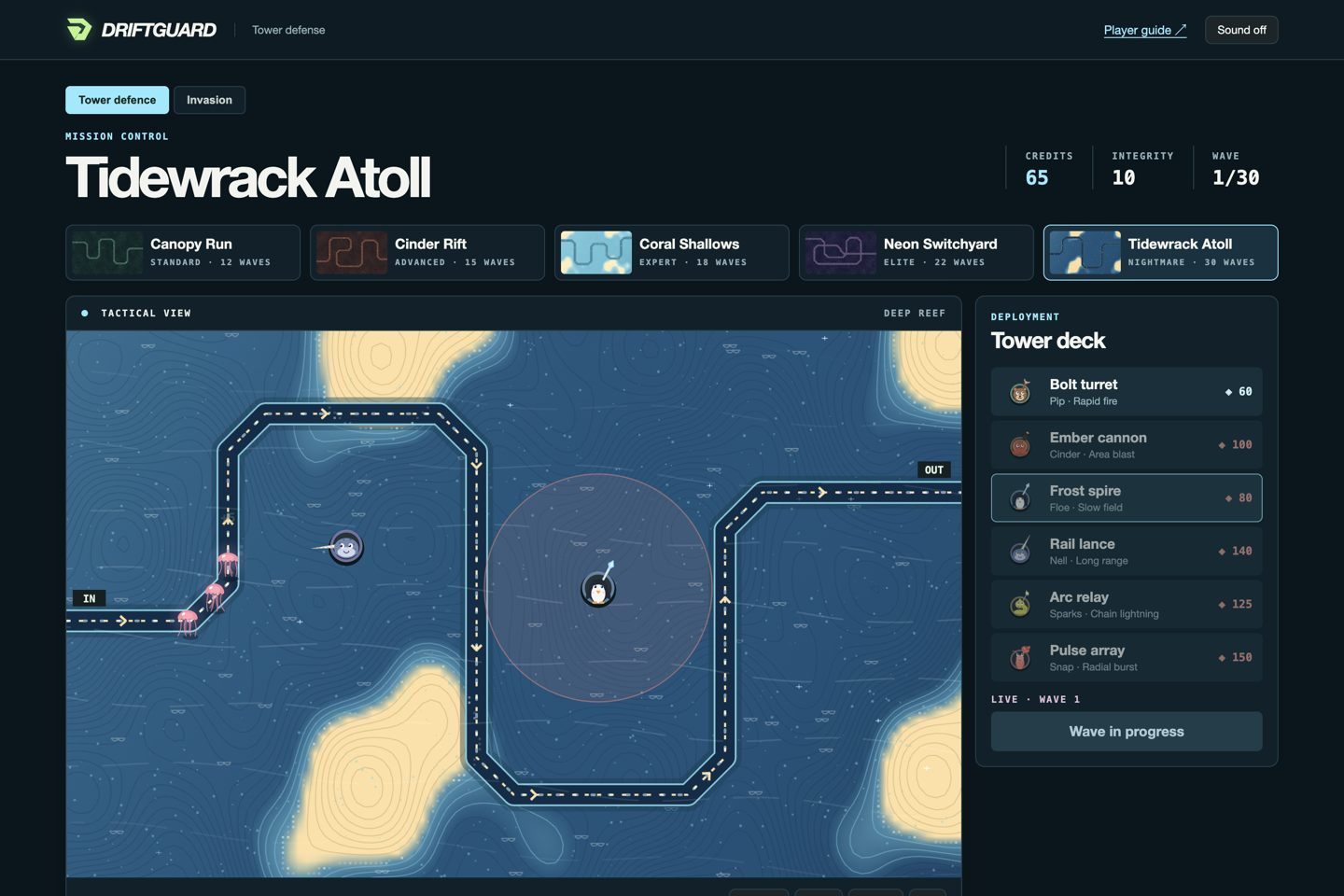
Tidewrack Atoll
Who it is for
Anyone with a few minutes and a browser. It plays on a laptop with mouse and keyboard, or on a phone with touch.
How it works
Driftguard is a tower defence game. Sky jellies drift along a route towards your gate, and you build towers beside it to burst them before they get through. Every jelly that reaches the exit costs a point of gate integrity. Each tower is crewed by a member of the reef crew, from Pip the otter to Snap the pistol shrimp, and they react to the battle as it happens.
Towers fire on their own, but you can climb aboard any of them and aim it yourself, either from overhead or looking down the barrel. Upgrades branch into faster reloads or heavier hits. Every fifth wave ends with a matriarch, and later ones arrive with guard jellies that shield it until they are burst. On Tidewrack Atoll, wave 20 wakes the kraken, which tears the reef apart and rebuilds the route around a new current.
Invasion mode turns it round: you command the jellies and spend supply to break through someone else's defence. Your best score on each battlefield is kept, and a defence run is saved between waves so you can close the tab and pick it up later. Add it to your home screen and it plays full screen and works offline.
What it does
Six crewed towers
Each tower has its own crew member and upgrades to Mk III, choosing faster reloads or more damage along the way.
Take the controls
Mount any tower and aim it yourself, from overhead or through the gunner sight. Lined-up shots can hit more than one jelly.
Matriarchs and the kraken
Every fifth wave closes with a matriarch, guarded from wave 10. On Tidewrack Atoll, the kraken rebuilds the whole battlefield.
Play the invaders
Invasion mode puts you on the other side, sending squads of jellies to break through a defence.
Picks up where you left off
Runs are saved between waves and personal bests are kept for each battlefield.
Phone, tablet or desktop
Touch and keyboard controls both work. Add it to your home screen to play full screen and offline.